
概要
Trello's Kanban boards are where many teams run product planning, content calendars and lightweight project tracking. With Slite you can embed Trello cards as live previews in your docs, so project pages, briefs and retros show the current assignees, due dates and status, and you can connect Trello as a source so Slite can answer questions from your boards and cards.
使い方
To embed a card, paste a Trello card share URL into your Slite doc, or type /trello to insert it. The card appears as a live preview that updates as the card changes. Click the preview to see the full details, including title, description, assignees, status and due date.
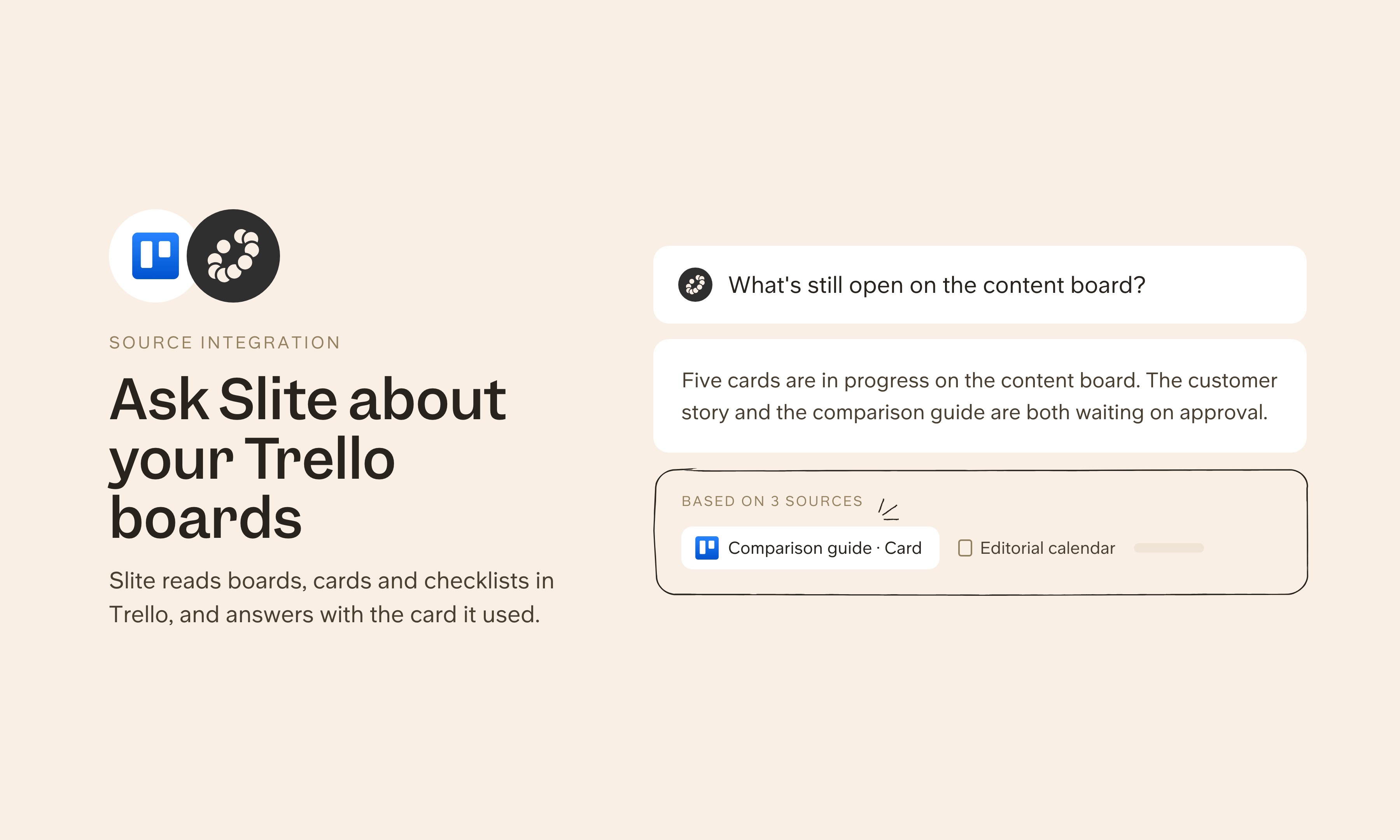
To use Trello as a source, add Trello under Agent sources in Slite's settings with the server URL https://mcp.trello.com/v1. On Trello Enterprise, your Trello admin may need to allow Slite first. Slite can then answer from your boards and cards, and you can share the connection with teammates or an admin can set it up so each person connects their own account.
Need help setting up your Trello integration with Slite? Read the Trello integration guide or contact support .
We take privacy seriously. Slite is SOC 2 Type II certified, GDPR and HIPAA compliant, with all data encrypted in transit and at rest on EU-based infrastructure. Your data is never used to train, nor retained by, third-party LLMs. See our security page for more information.