
Overview
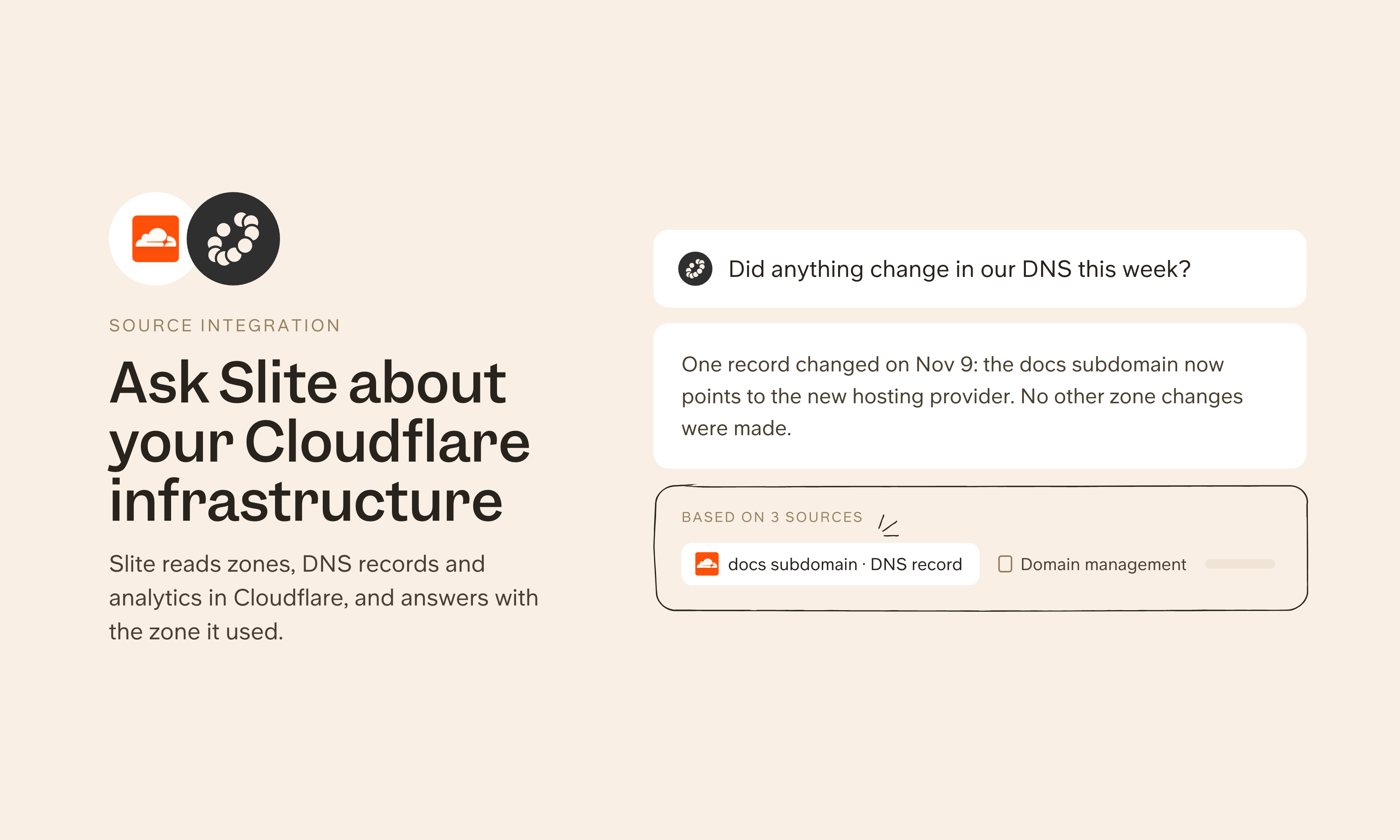
Cloudflare runs DNS, security, performance and edge services for a large share of the web. Connect Cloudflare as a source and Slite can look up your account configuration through the Cloudflare API, like zones, DNS records, Workers and security settings, and search Cloudflare's developer docs, next to your infrastructure docs. Engineers can check how a domain or service is configured without clicking through the dashboard.
How it works
In Slite's settings, add Cloudflare under Agent sources with the server URL https://mcp.cloudflare.com/mcp, then sign in and choose which permissions to grant. Slite can then look up your zones, DNS records, Workers and security settings. An admin can share the connection with the whole workspace, or each person can connect their own account.
Need help setting up your Cloudflare integration with Slite? contact support .
🔒 We take privacy seriously. Slite is SOC 2 Type II certified, GDPR and HIPAA compliant, with all data encrypted in transit and at rest on EU-based infrastructure. Your data is never used to train, nor retained by, third-party LLMs. See our security page for more information.


